
Most platform migrations go badly. The export-import dance works on day one, but opens crater for the next six weeks because the new IP has no reputation, the suppression lists didn't carry over, and someone forgot to update the tracking domain CNAME.
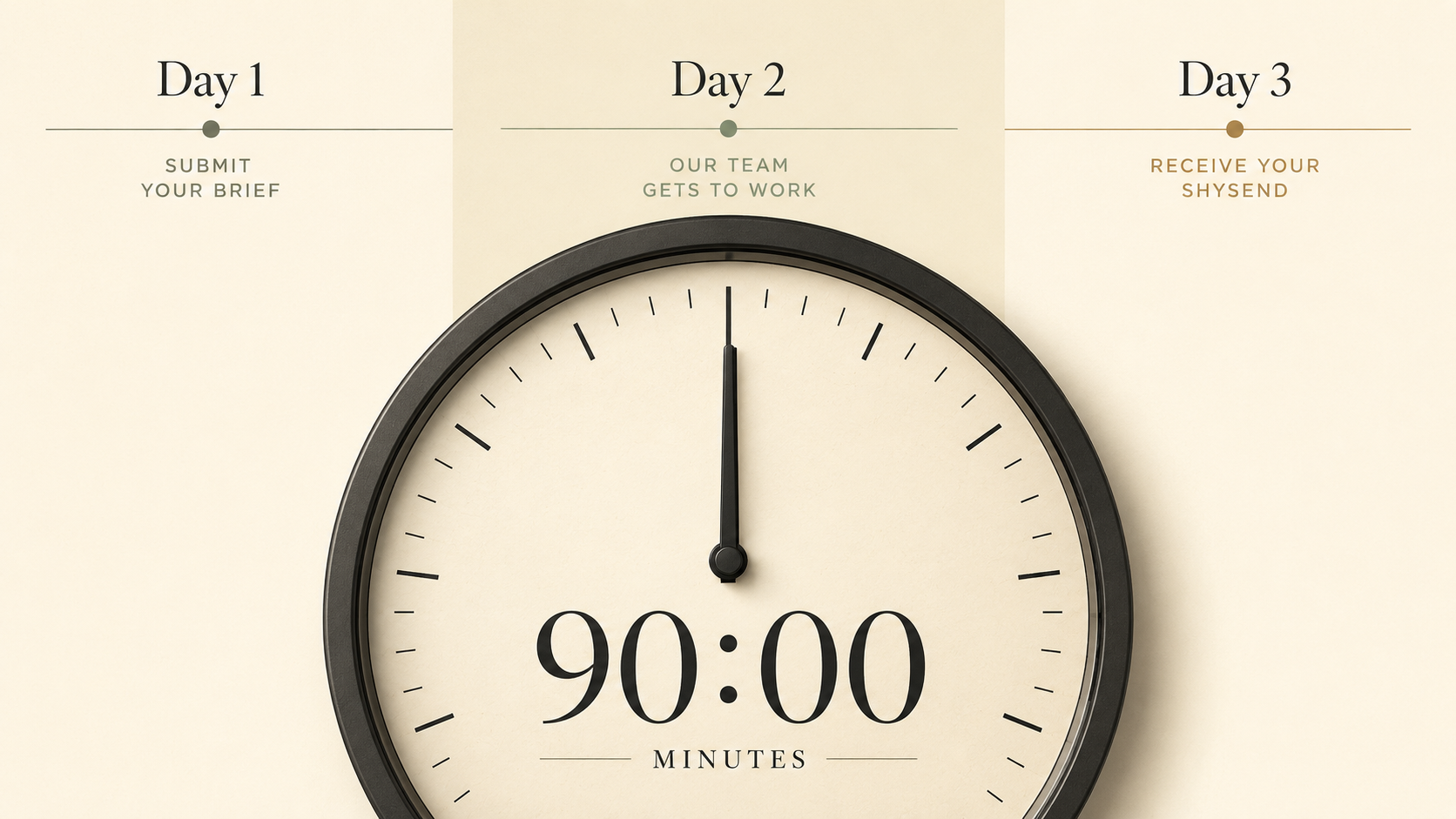
It doesn't have to be that way. A clean migration is 90 minutes of focused work spread over three days, and your deliverability stays intact through the whole thing. Here's the exact runbook.
The three-day timeline
The work itself takes 90 minutes. The reason it spans three days is that the new IP needs to warm up properly, and you need at least one round of parallel sending before you fully cut over.
- Day 1 (30 min): Audit, clean, export.
- Day 2 (40 min): Import, authenticate, run a small warm-up send to engaged subscribers.
- Day 3 (20 min): Send your next regular campaign from the new platform. Compare metrics. Cut over fully.
That's it. The rest of this guide is what happens inside each step and where the landmines are.
Step 1: Audit what you actually have
Before you export anything, write down four numbers from your current platform:
- Total subscribers (active + unsubscribed + bounced).
- Active subscribers only.
- Suppression list size (unsubscribes, bounces, complaints).
- Last 90 days: open rate, click rate, complaint rate.
The active vs. total ratio is the most important. If your "list" is 50,000 but your active count is 18,000, you're paying to maintain 32,000 dead records. The migration is the perfect moment to leave the deadweight behind.
Also note your custom fields, tags, and segments. The migration target needs to accept them or you'll lose the structure your automations depend on.
Step 2: Clean before you move, not after
Three suppressions to add before export:
- Hard bounces older than 30 days. They should already be suppressed but verify. Anyone who hard-bounced and somehow stayed on your active list is a deliverability problem at the new platform too.
- Disengaged subscribers (180+ days). Send a one-shot re-engagement to anyone who hasn't opened in 180 days. The 70–85% who don't open get added to your suppression list. Painful in the short term, transformative in the long term.
- Role addresses (
info@,sales@,admin@) — unless your business model genuinely targets them. They're shared inboxes that drive complaints.
The list you want at the new platform isn't the one you have now. It's the one you have minus the people who already aren't reading your mail.
Step 3: Export everything
Three files at minimum:
- Active subscribers CSV — email + every custom field. Save the column header order so the import maps cleanly.
- Suppression list CSV — every unsubscribed, bounced, and complained address. This is the file that most migrations skip, and it's the one that ruins reputations. Suppressions must carry over or you'll re-mail people who already said no.
- Tag/segment definitions — either as separate CSVs or as notes you'll recreate in the new platform.
Also save copies of your active automations as screenshots. Most platforms don't have a clean export format for automation logic, and rebuilding from screenshots is faster than trying to reverse-engineer a JSON dump.
Step 4: Import with suppressions FIRST
This is the order that matters: import suppressions before subscribers. If you import subscribers first and an address is on both lists, most platforms will treat them as a new subscriber and start sending. By importing suppressions first, you ensure those addresses are blocked at the platform level the moment the subscriber import happens.
Then import the active list. Check the row count matches what you exported. If 50,000 rows became 48,300, find out why before sending anything.
Step 5: Set up authentication on the new platform
The new platform will give you DNS records to add. Add all of them before sending anything. At minimum:
- SPF — include the new platform's sending IPs in your existing record (or add a new TXT if you don't have one).
- DKIM — usually a CNAME pointing to the platform's selector. If the platform offers per-customer DKIM, use it. Per-customer keys mean your reputation is isolated from other customers on the same platform.
- DMARC — should already be in place. Confirm your alignment is correct after the SPF/DKIM changes. If your DMARC is at
p=quarantineand the new platform's mail fails alignment, your sends go to spam immediately. - Tracking domain CNAME — the platform tracks clicks via a subdomain like
click.yourdomain.com. Set the CNAME now so your links look like your own brand, not the platform's default tracking domain.
DNS propagation can take 1–24 hours. Do this as early as possible on Day 2 so it's ready by the warm-up send.
Step 6: Warm up with your most engaged segment
Do not blast your full list from the new platform on day one. Even if the new IP is "warm" because it's shared, your domain reputation on that IP is brand new.
Pick your top 5–10% most engaged subscribers — opened in the last 30 days, clicked at least once in the last 90. Send them one message from the new platform. Just one. Same subject line as a normal campaign.
You're looking for:
- Inbox placement (use a seed-list service like GlockApps or Inbox Insight if you can).
- Open rate at or near your historical baseline.
- Zero deferrals or temporary failures.
- Replies that actually thread (the from address looks right, the reply-to works).
If any of those go sideways, fix before continuing.
Step 7: Run a parallel send
For your next regular campaign — newsletter, weekly update, whatever cadence you have — send to two halves of your list:
- Half via the old platform (last send from there).
- Half via the new platform.
Same content, same subject, same send time. Compare metrics 24 hours later. If the new platform's send is within 10% of the old one, you're good to cut over. If it's significantly worse, troubleshoot before fully migrating.
Common parallel-send gotchas:
- Suppression list didn't fully import → people who unsubscribed got the new send → complaints.
- Tracking domain CNAME not propagated → links look like the platform's default → some ISPs flag.
- DMARC failing → mail goes to spam on Gmail/Yahoo.
- The "from" name changed subtly between platforms → recipients don't recognize it → complaints.
Step 8: Cut over fully
If Day 3's parallel send looked clean, schedule one final "we've moved" note from the old platform — telling subscribers to whitelist the new sending domain — and then disable sending on the old platform completely.
Don't cancel the old platform subscription on day 3. Wait two weeks. You may need to log in to pull a report, recover a template, or check a setting you forgot to document.
Step 9: Cancel and document
After two weeks of clean sending on the new platform:
- Export anything else you might want (historical campaign reports, template HTML, contact notes).
- Cancel the old subscription.
- Update your runbook: which DNS records are pointing where, which suppression list is canonical, where your automations live now.
Future you will thank present you.
The 90-minute migration checklist
Print this. Use it as your runbook.
Day 1 (30 min)
- Note four numbers: total subs, active subs, suppressed, complaint rate.
- Run a re-engagement campaign to 180-day inactives.
- Suppress everyone who didn't open the re-engagement.
- Export active subscribers, suppression list, tags/segments.
- Screenshot active automations.
Day 2 (40 min)
- Add SPF, DKIM, DMARC, tracking-domain CNAME at DNS.
- Import suppression list to new platform.
- Import active subscribers.
- Verify row counts match.
- Send one warm-up campaign to top 5–10% engaged.
- Confirm inbox placement at major ISPs.
Day 3 (20 min)
- Send next regular campaign as a parallel test (half old, half new).
- Compare metrics 24 hours later.
- Schedule one "we've moved" note from the old platform.
- Disable old platform sending.
- Keep old platform subscription active for two weeks.
If you only remember one thing
The migration itself isn't where deliverability goes to die. Skipping the suppression-list import is. Sending the full list from a cold IP is. Not setting up DKIM alignment is. Get those three right and the rest is just plumbing.
90 minutes of focused work, three days end-to-end, zero deliverability impact. That's the bar.